
USB communication & commands
The Nome is USB-MIDI Class compliant. It will add 6 MIDI interfaces on your computer.
3 INs:
Nome II Clock [IN] - sends MIDI Clock to your DAW
Nome II DAW Control [IN] - sends MIDI commands to control your DAW
Nome II Module Itf [IN] - forwarded MIDI from the Module interface
And 3 OUTs:
Nome II Commands [OUT] - receives MIDI commands for the Nome
Nome II MIDI Out 1 [OUT] - forwards any MIDI to the “MIDI OUT 1” Jack
Nome II MIDI Out 2 [OUT] - forwards any MIDI to the “MIDI OUT 2” Jack
Note that on Windows the interfaces might be called differently, usually simply “Nome II”, then “MIDIIN2 (Nome II)”, “MIDIIN3 (Nome II)”, and the same for outputs (“MIDIOUT2”, etc). They should be in the same order as written above.
Important: if you recently upgraded the firmware, and cannot see all the interfaces, then you need to delete the Nome Setup registered in your computer, then unplug-replug your Nome. You can do this in the “Audio MIDI Setup” on macOS and in the “Device Manager” on Windows.
The Clock interface
The first MIDI IN interface, “Clock”, sends the MIDI Clock as well Start and Stop messages.
Use it with software or hardware that can follow MIDI Clock, for example it can be a way to get your DAW to follow the Nome.
Do not use this if you are using U-SYNC.
The DAW Control
The second MIDI IN interface, “DAW Control”, is used to send special MIDI messages which you can map on your DAW to do specific actions. This is used together with U-SYNC to control the DAW (only available on certain DAWs - see the U-SYNC documentation)
The module interface
This will be used in the future, for when you connect a physical add-on module to your Nome. For example a MIDI IN module could forward data from its MIDI IN jacks to these interfaces.
MIDI Forwarding interfaces Out 1&2
Send MIDI data to “MIDI Out 1“ or “MIDI Out 2”, and that data will be forwarded to the corresponding DIN-MIDI port on the back of the device.
The MIDI data is merged with the MIDI generated by the Nome so that:
The clock has the highest priority and is 100% unaffected by other data
Start & Stop messages also have high priority and will be sent on time
MIDI System Common messages and MIDI System Realtime messages (which all start with 0xFn) are not forwarded, except Song Select message (0xF3).
All other MIDI messages, including Note On/Off, Aftertouch, CC, PC, Channel Pressure, and Pitch Bend are all forwarded.
System Exclusive (SysEx) messages are forwarded, but limited to 500 bytes. They have lower priority than realtime messages and could be interrupted and resent later if a higher priority message needs to be sent (for example Start).
MIDI Commands
You can send MIDI messages to the USB-MIDI “Commands” interface in order to control or change settings on your Nome.
Important: where a MIDI channel applies, use Channel 12, no other channel will work.
Message |
Value |
Result |
|---|---|---|
Tempo & decimals |
||
CC 85 & CC 86 |
CC 85: 0-3 |
BPM set to (128 × CC85) + CC86 (1) |
CC 87 |
0-127 |
BPM set to 60-187 |
CC 88 |
0-127 |
BPM set to 100-227 |
CC 89 |
0-127 |
BPM set to 140-267 |
CC 110 |
0-99 |
Set tempo decimals, i.e. set BPM to x.00-x.99 (2) |
Time signature |
||
CC 90 |
1-32 |
Set the time signature numerator from 1/x to 32/x |
CC 90 |
101 / 102 / 103 / 104 |
Set the denominator to x/2, x/4, x/8, or x/16, respectively (3) |
Metronome |
||
CC 102 |
0 |
Mute the metronome |
CC 102 |
1 |
Unmute the metronome |
CC 102 |
2 |
Toggle mute (unmute if muted and mute if unmuted) |
ANLG clock speed |
||
CC 104 |
0-109 |
Set ANLG clock 1 speed (4) |
CC 105 |
0-109 |
Set ANLG clock 2 speed (4) |
Tempo presets |
||
Program Change (PC) |
0-49 |
Apply a preset (5) |
Song Select |
0-49 |
Apply a preset (5) |
CC 106 |
1-50 |
Apply a preset (5) |
CC 107 |
1-50 |
Apply a preset right away (5) |
Start/stop sequencers (8) |
||
MIDI Continue |
(Re)start machines on MIDI Port X (6) on the next bar |
|
MIDI Start |
Reset/rewind the clock (7) and start machines on MIDI Port X (6) |
|
MIDI Stop |
Stop machines connected to MIDI Port X (6) |
|
CC 103 |
0 / 1 / 2 |
Same as MIDI Continue / Port 1 only / Port 2 only |
CC 103 |
10 / 11 / 12 |
Same as MIDI Stop / Port 1 only / Port 2 only |
CC 103 |
20 / 21 |
Same as MIDI Start / Port 1 only (7) |
CC 103 |
30 / 31 |
Same as MIDI Start with a 1-bar count-in / Port 1 only (7) |
(1) Send CC 85 first, then CC 86. Examples:
CC 85 value 1 followed by CC 86 value 42, sets the tempo to 170.
Later, sending only CC 86 value 117 (and no CC 85) sets the tempo to 245 (=128+117).
(2) CC 110 changes only the decimal part of the BPM; for example, if currently at
134.53, CC 110 value 27 sets the tempo to 134.27.
Note: CC 86, 87, 88, and 89 all reset the decimals to zero (i.e. set to x.00).
(3) For example, CC 90 value 6 followed by CC 90 value 103 sets a time signature of 6/8.
(4) CC 104 and 105 correspond to the 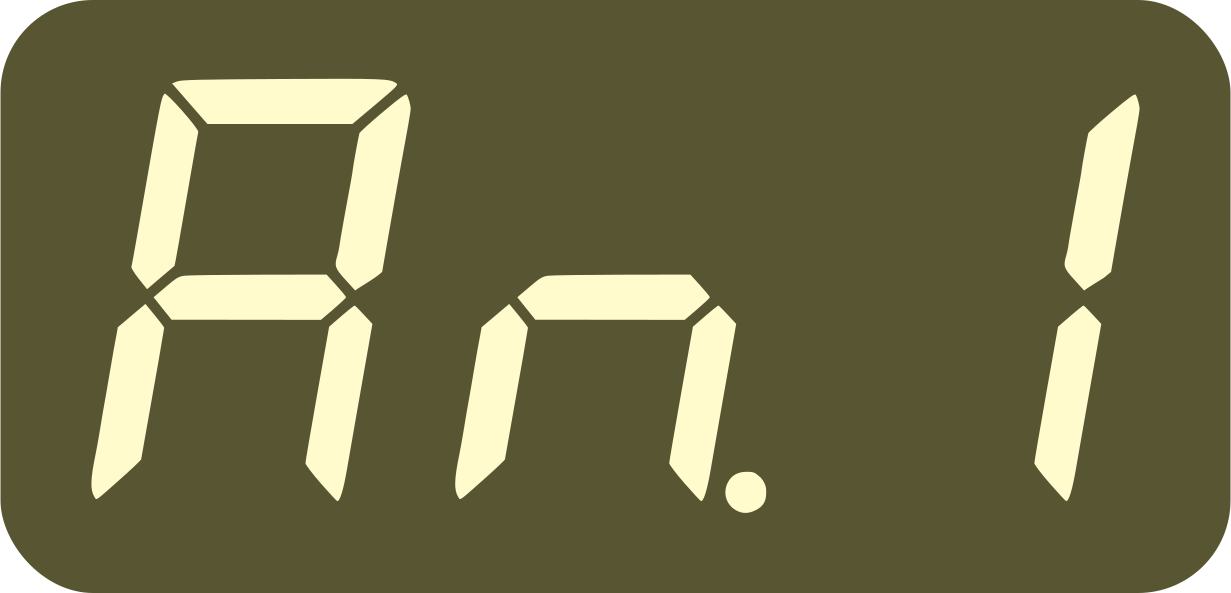 and
and
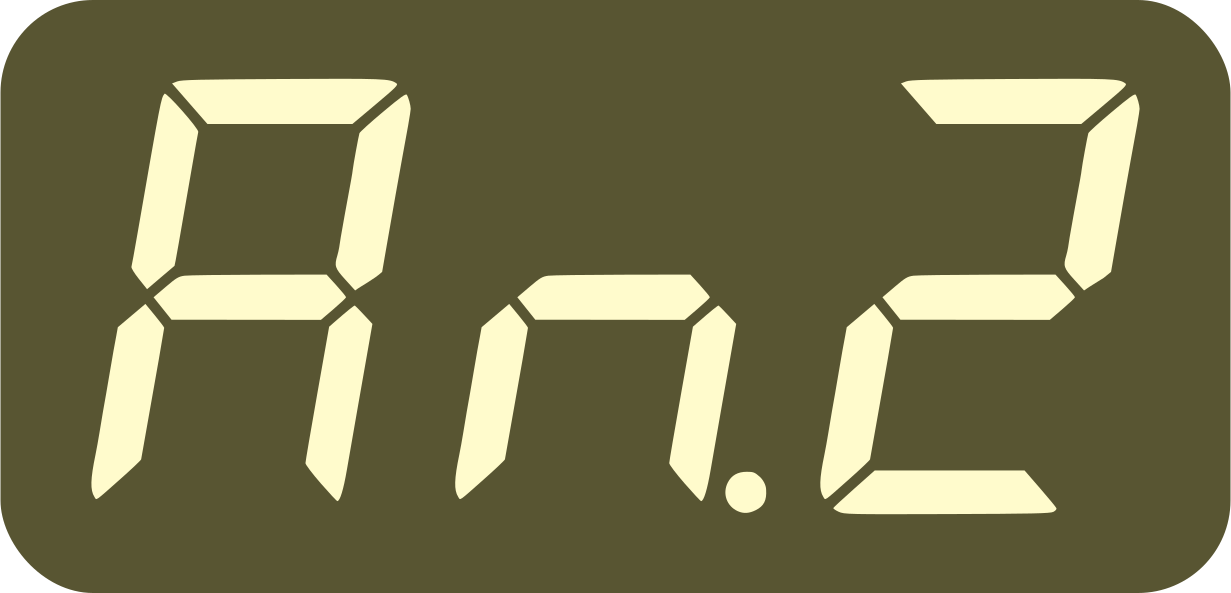 settings:
0 =
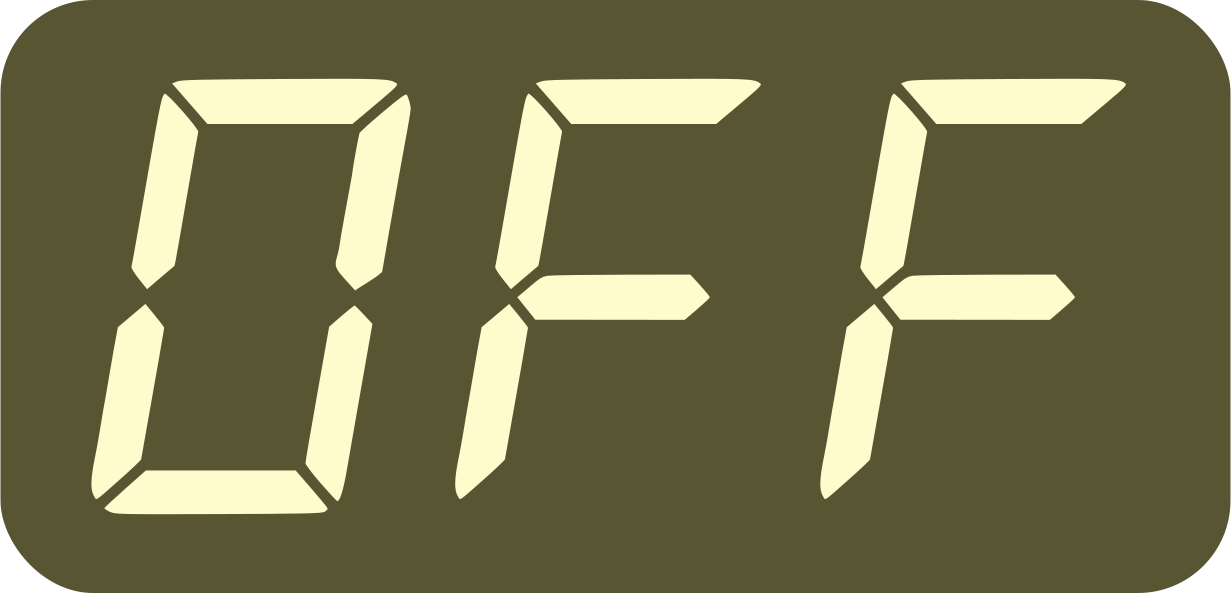
1-8 = “X ppqn”, from
 to
to 
9-11 =
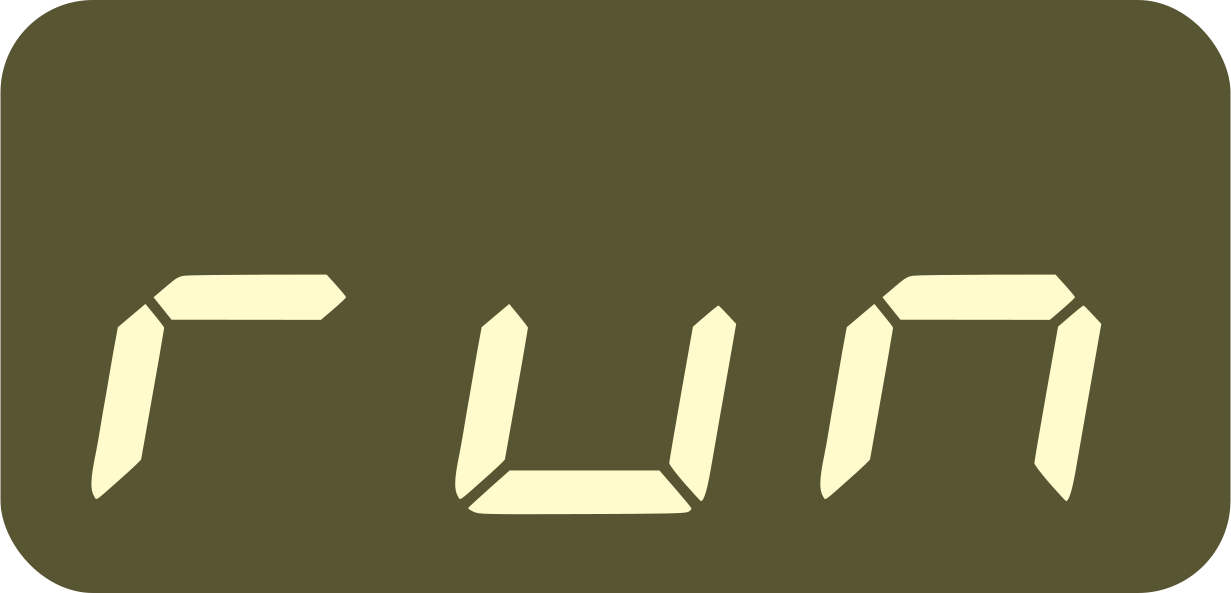 ,
, 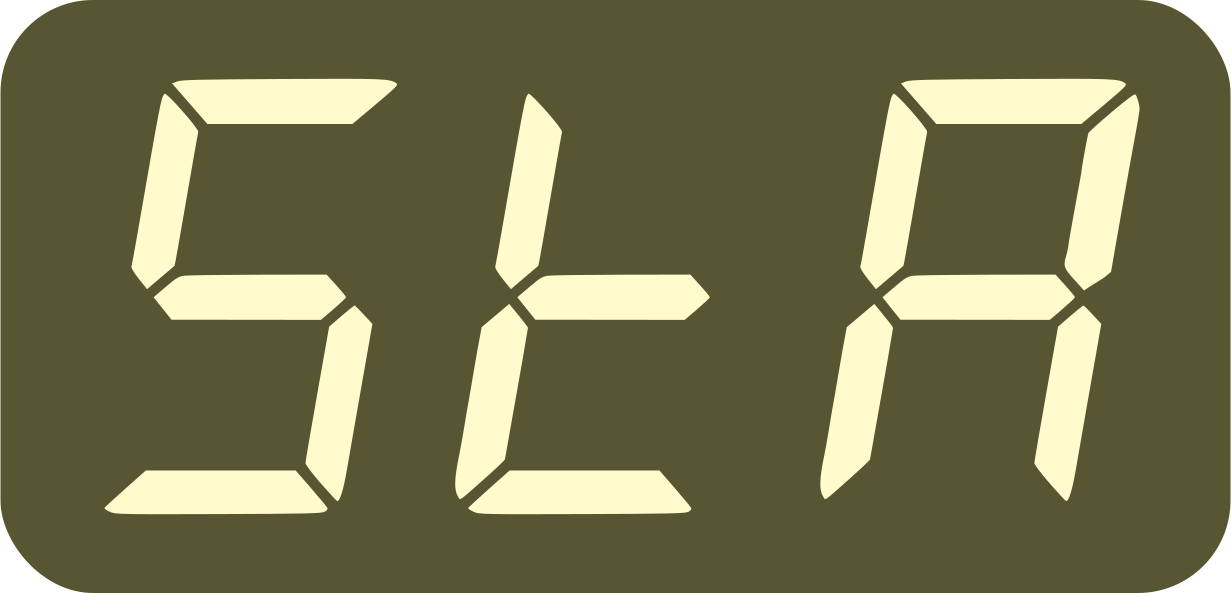 , and
, and 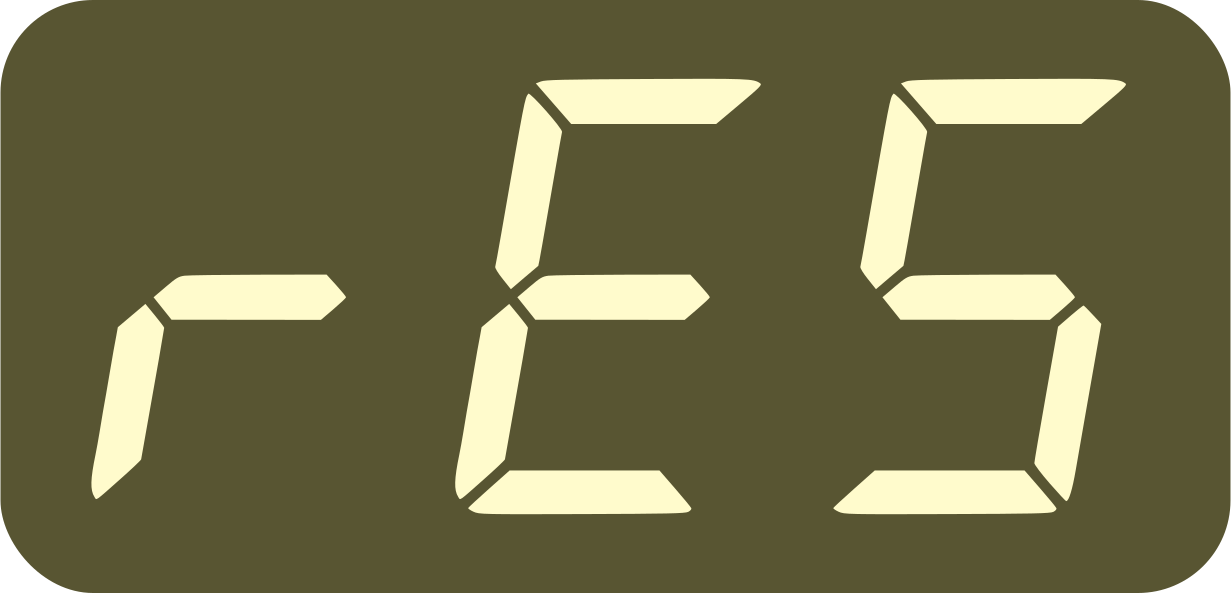 ,
respectively
,
respectively12-109 = “X beats”, from
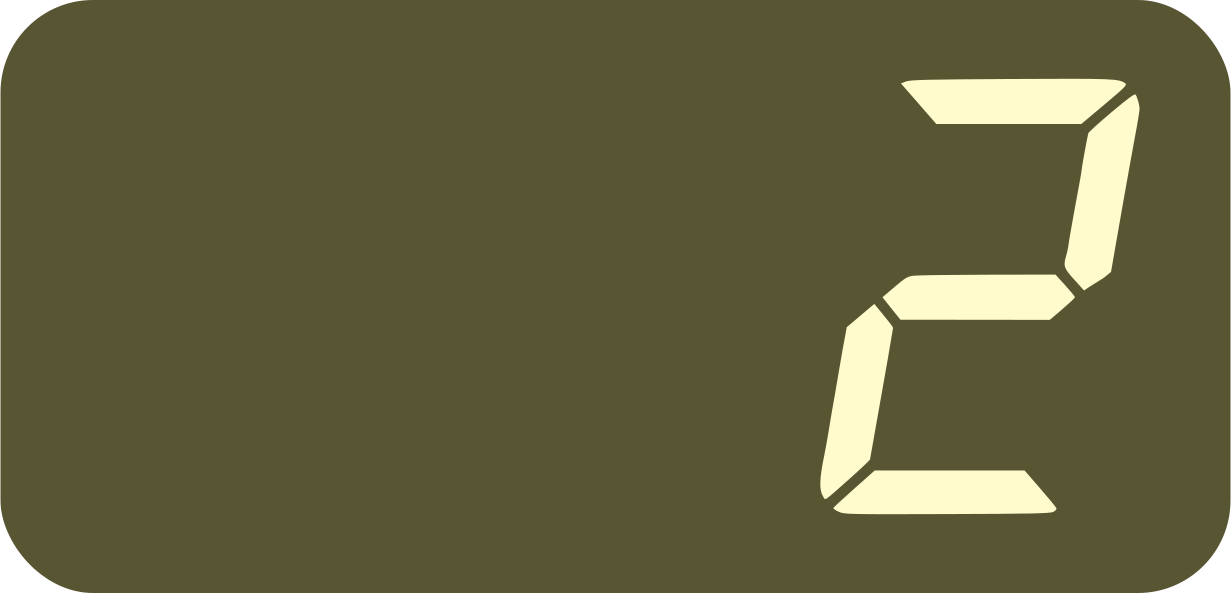 to
to 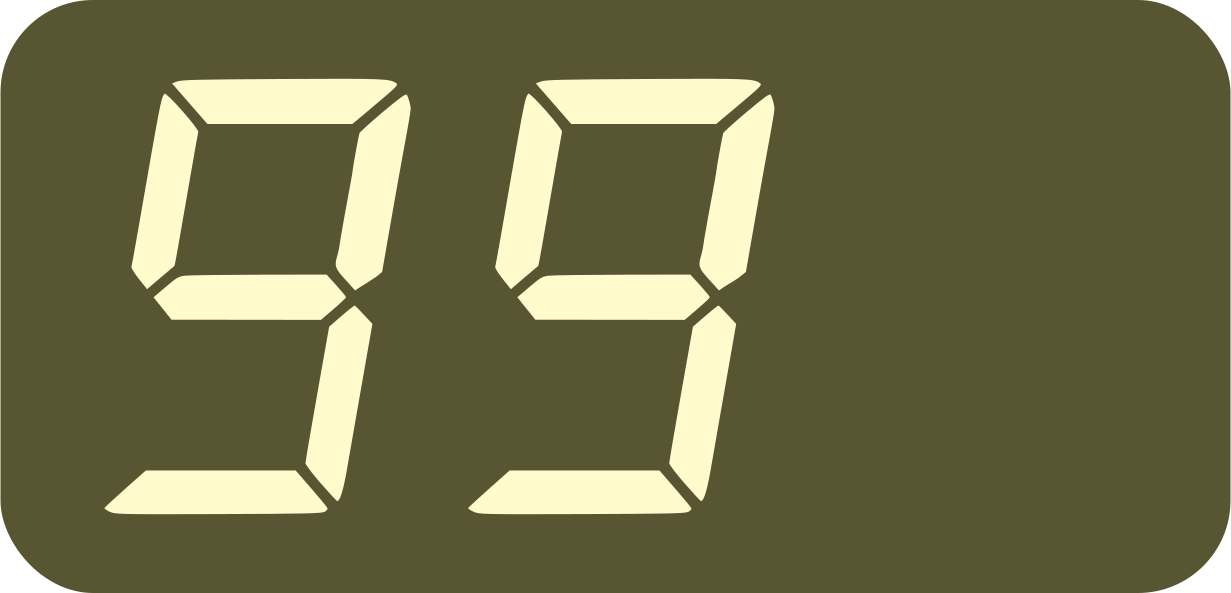
See the list of basic settings for more details.
(5) MIDI CC 106 and Program Change wait if the Play button is lit or the device is in Locked Mode, as when applying a preset on the device or with a pedal. CC 107 bypasses this and applies the preset right away.
On devices/software, CC values usually start from 0, while Program Change and Song Select start from 1. Whichever message you use, the number shown on your device should match the preset number.
(6) Port X is the MIDI output port selected by the
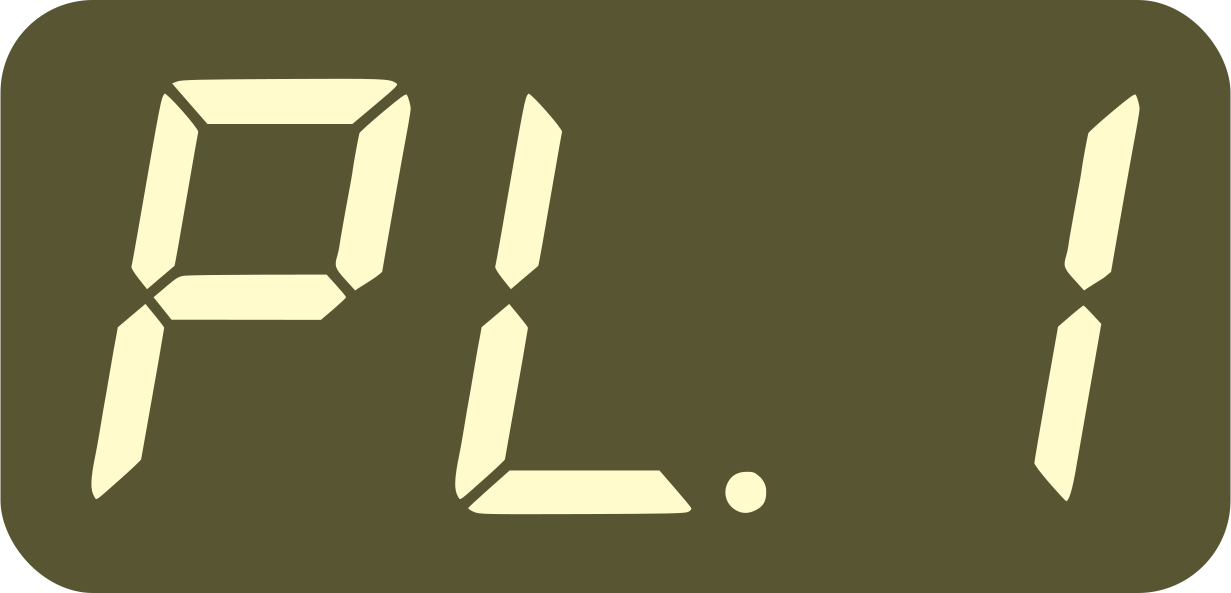 setting (both or output 1 only).
(7) This is independent of the rES setting. But no resets or count-in are possible when syncing to an external clock (24P mode or U-SYNC, for example).
(8) Start/stop commands act regardless of the current playing state
and device configuration, including the and the settings.
This means MIDI Stop can stop a sequencer
started manually, and MIDI Continue can send a resync (the equivalent of
holding down the Play button).
To avoid conflicts with DAW transport messages, MIDI Start/Continue/Stop are disabled when the device is both connected to a U-SYNC plugin and using auto-play. MIDI CC commands, including CC 103, are always enabled.