Sync to other devices & DAWs
The Nome has been designed to be used as a Master Clock, and if you can you should always let it be the master. But there might be some situations where this is not possible, this section is about how to get your Nome to follow another device.
Sync to an analog clock or an audio signal
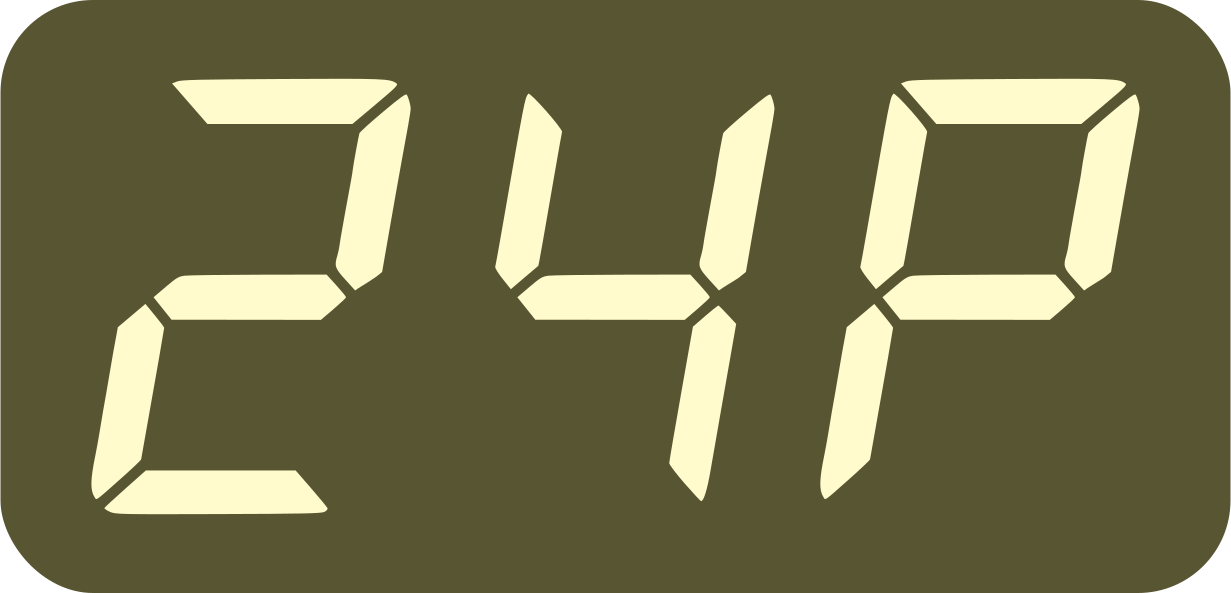
Setting the  →
→ 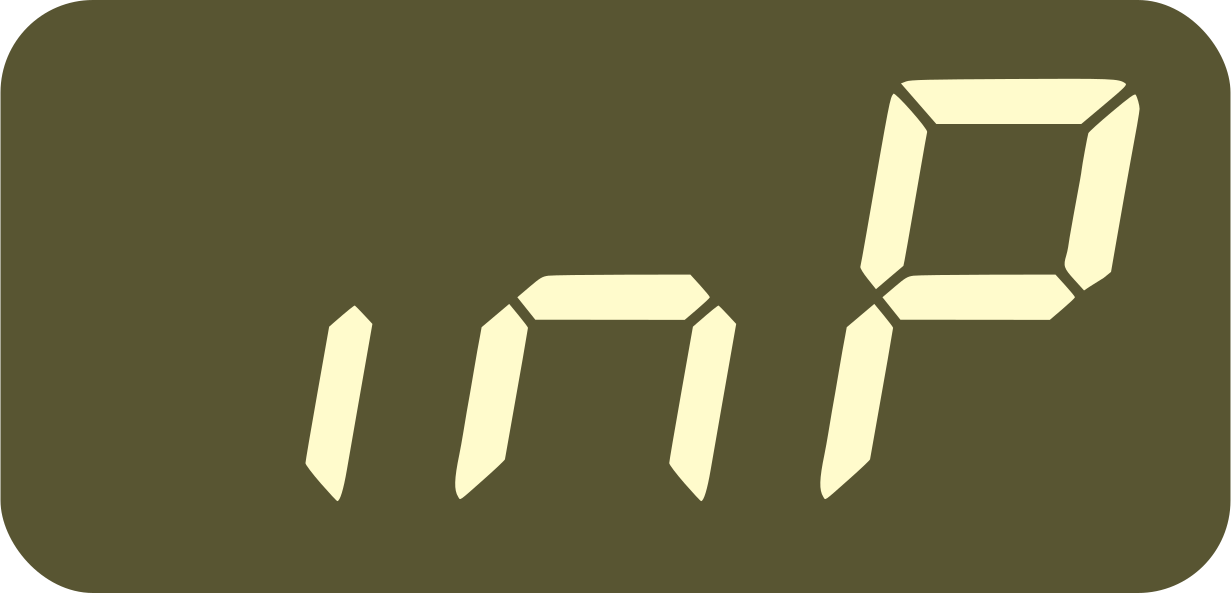 setting to one of the 1P to
24P values will get your Nome to follow an analog or audio signal
sent to the “INPUT” jack of the device.
setting to one of the 1P to
24P values will get your Nome to follow an analog or audio signal
sent to the “INPUT” jack of the device.
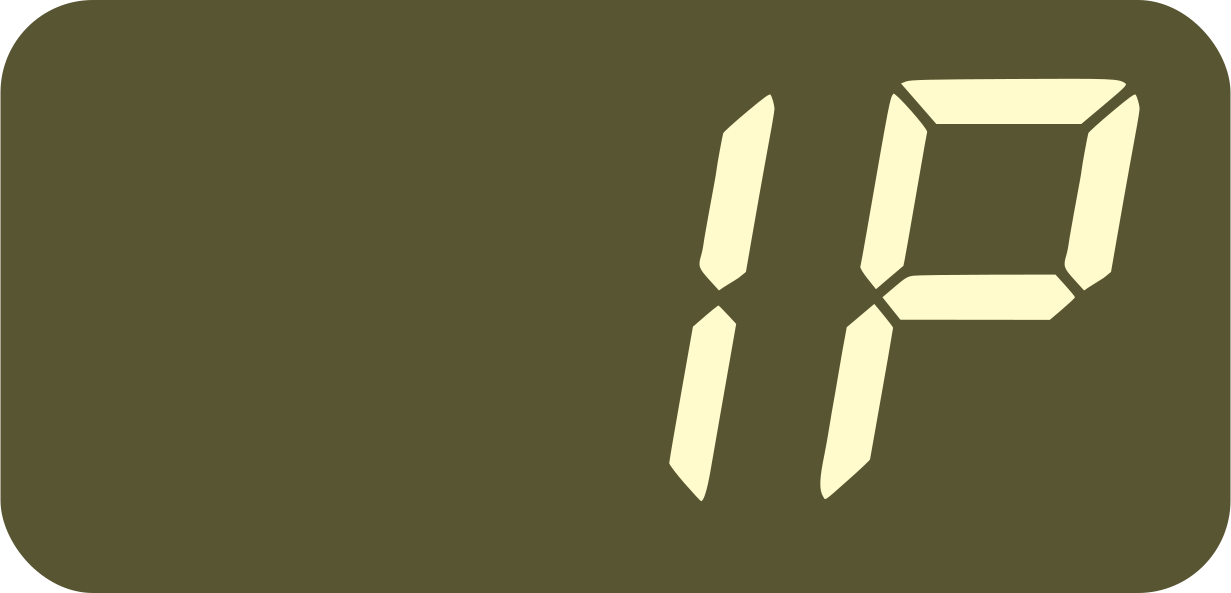
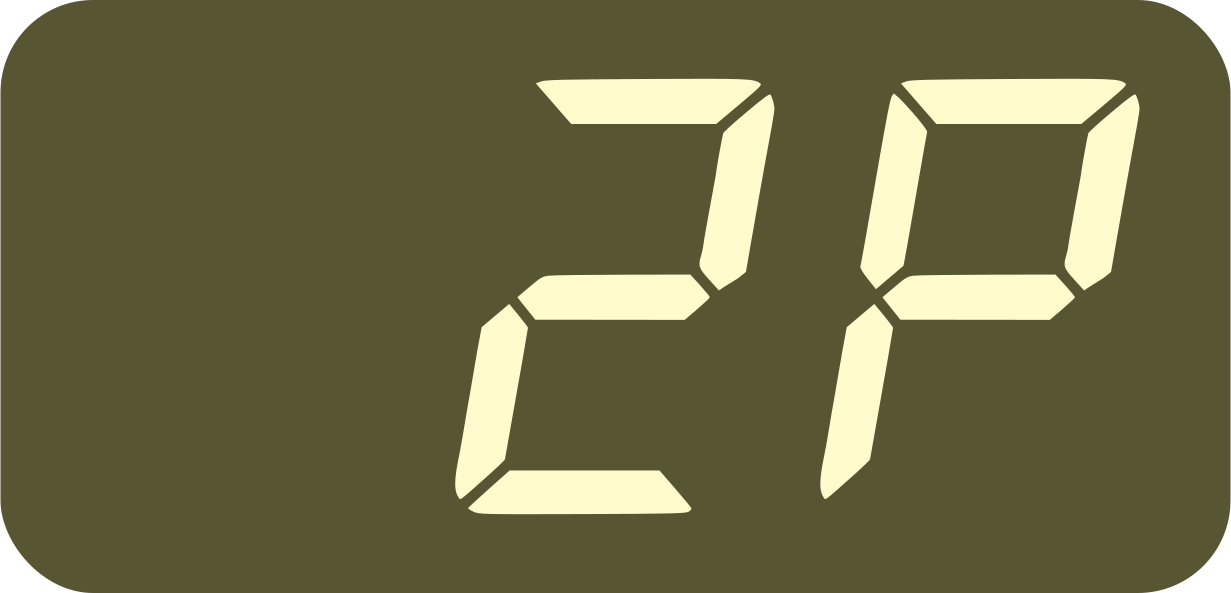
The analog sync signal can be any loud short sounds or analog pulses sent at X ppq (parts per quarternote). This could be for example a recorded sound sent regularly or a 5V analog clock like the ones sent by modular or vintage synths. The available signal speeds X (in ppq) are the following:
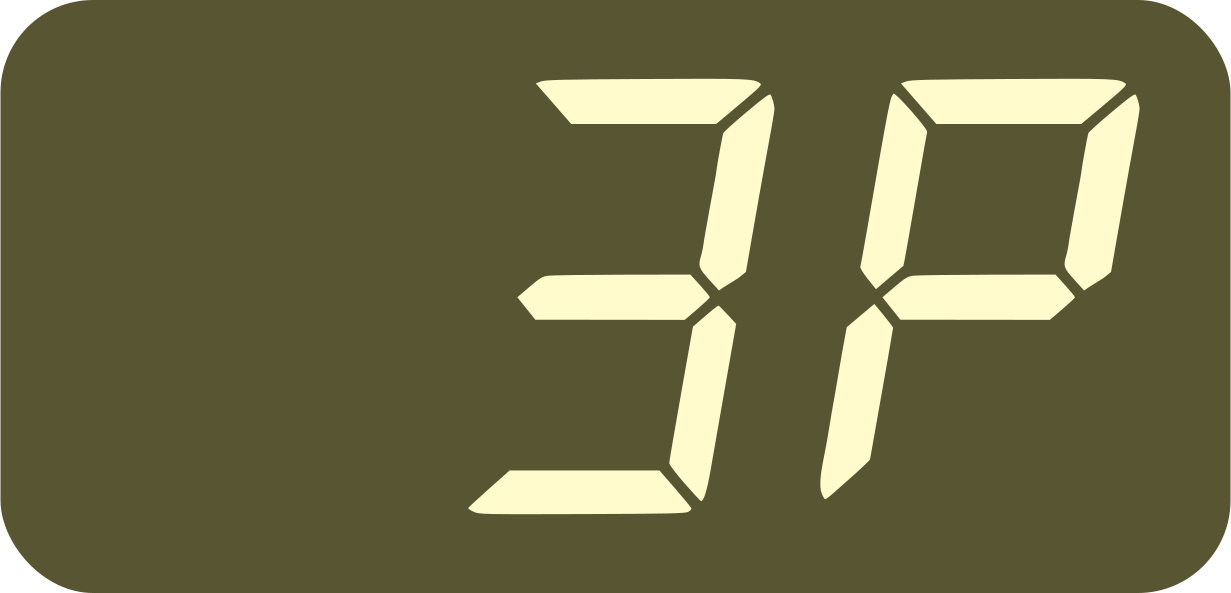
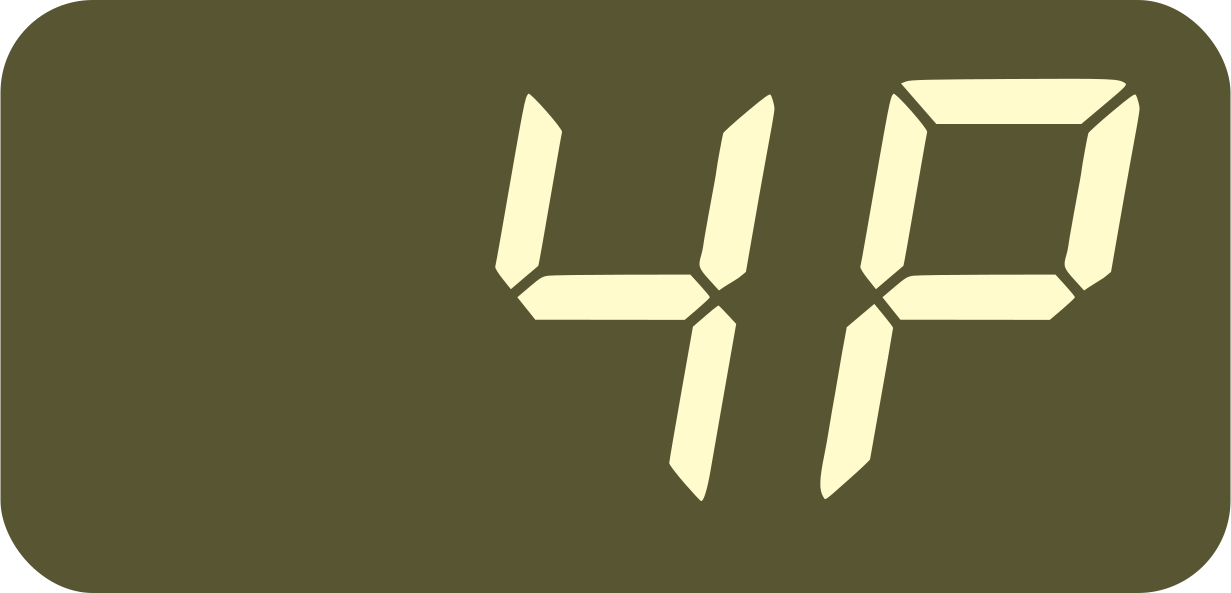

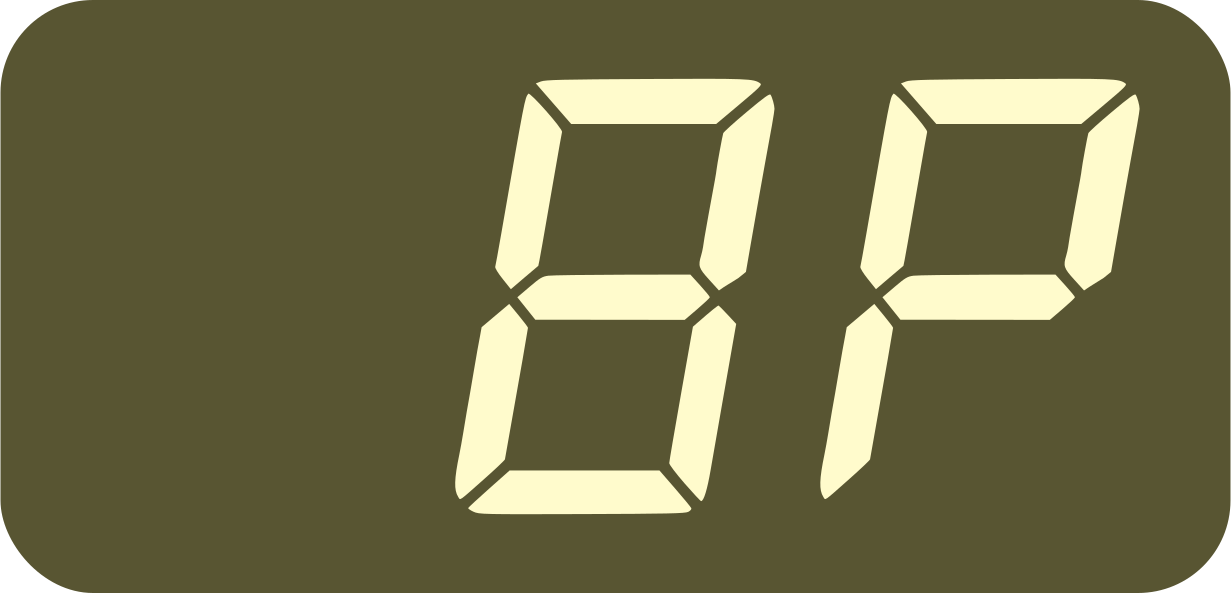
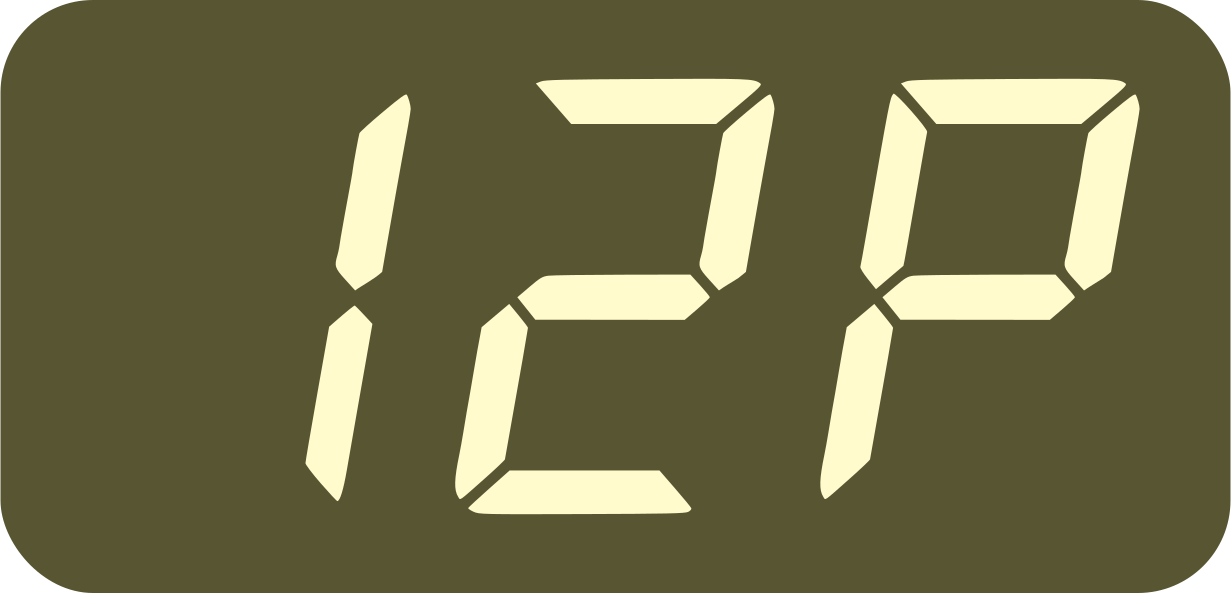
Make sure the pulses are sharp and short, otherwise one pulse could be counted as two.
This is a great way to get the Nome to follow a machine without MIDI, for example a tape machine, a hardware recorder, a DJ turntable, an SPD Drum pad, a piece of software, etc.
Important: the Nome cannot sync to any audio, usually called “Beat Detection” or “Tempo Following” (for example sync to a song or live audio). The Nome will only sync to regular pulses.
Syncing to your DAW with U-SYNC (Mac)
Sync your Nome and your DAW with our innovative U-SYNC technology. All you need to do is download U-SYNC, install it, and load the U-SYNC plugin on your DAW.
See also the U-SYNC Manual and the U-SYNC Quick Start Guide
Note: for now, U-SYNC is only available on Mac. On Windows you will have to use the 24P mode and the old plugin.
Syncing to your DAW using the 24P mode (Windows)
If you are on Windows, or if your DAW does not work with U-SYNC, you can sync using the “Midronome” plugin. This plugin sends analog (audio) pulses at 24ppq, so that the Nome can sync to it like it would to an analog clock for example. It works with both generations, Nome I and Nome II (despite its name).
Note: this “Midronome” plugin is open-source. Feel free to report or even correct any bugs on its github page. You can download the VST/AU/AAX files on the github page.
Once you have the plugin installed:
Load the plugin on a track in your DAW
Then configure your DAW and your audio interface so that this track is routed to a dedicated (physical) output on your audio interface
Make sure that only this track is sent on that output
Make sure the volume of that output is loud is loud
Connect a cable from this output to the Nome’s “INPUT” plug
Enable the 24P mode on the Nome
Then press play in your DAW, the Nome’s “SYNC” LED should turn on and it should follow your DAW’s timing.
For more information about how to set up the old plugin, see the old PDF for FW 2.0 called “How to sync with DAWs”, also on the github page.
Syncing your DAW to the Nome using MIDI over USB
U-SYNC and the 24P mode will get the Nome to follow your DAW (i.e. the DAW is the master), but you might prefer it the other way around, getting your DAW to follow the Nome (i.e. the Nome is the master).
The Nome sends MIDI Clock over USB, which you can use to sync your DAW to it. Please refer to your DAW’s documentation regarding how to do this. For example, the “Syncing Live to another device or application” section in the official Ableton documentation describes how to set it up for Ableton.
Most DAWs have a setting to adjust the synchronisation delay, see your DAW’s documentation regarding this as well. As of today, only Ableton, Bitwig, FL Studio, and Reason can do this
Automatically start and stop sequencers
The → 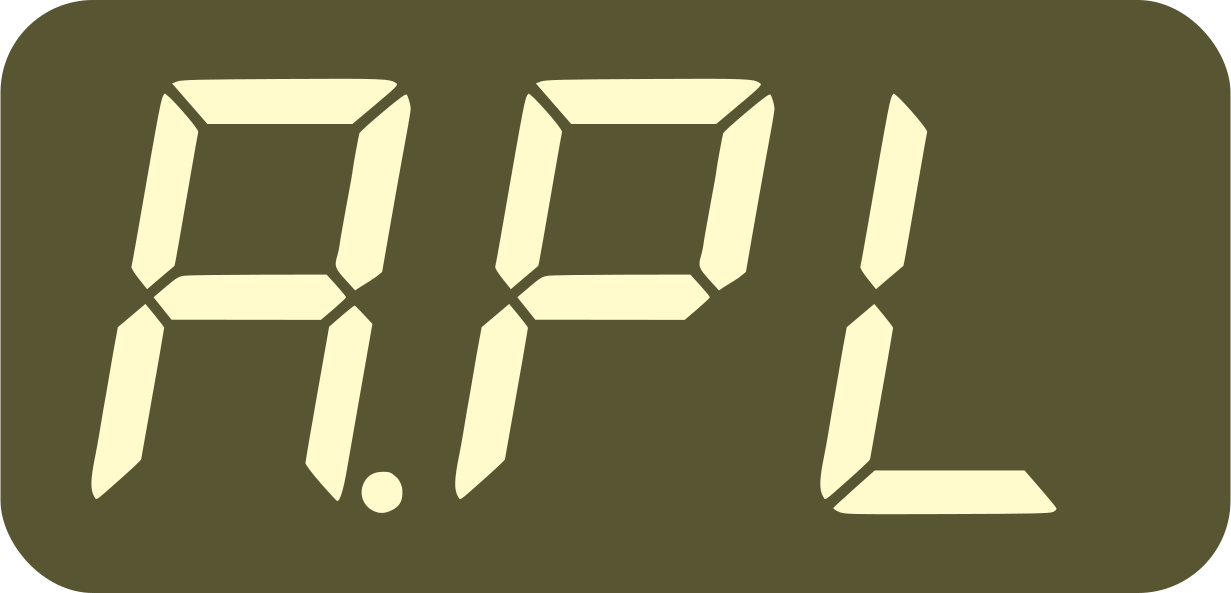 setting makes the device
automatically “press” a play button when the sync starts and stops.
Set this setting and the Nome will automatically send Start/Stop
on its physical MIDI Outputs ports when the sync starts and stops,
whether it’s syncing to a DAW
or to an analog/audio signal (sync to
1-24ppq, i.e. 1P -
24P settings).
setting makes the device
automatically “press” a play button when the sync starts and stops.
Set this setting and the Nome will automatically send Start/Stop
on its physical MIDI Outputs ports when the sync starts and stops,
whether it’s syncing to a DAW
or to an analog/audio signal (sync to
1-24ppq, i.e. 1P -
24P settings).
You can choose which of your machines should start automatically:
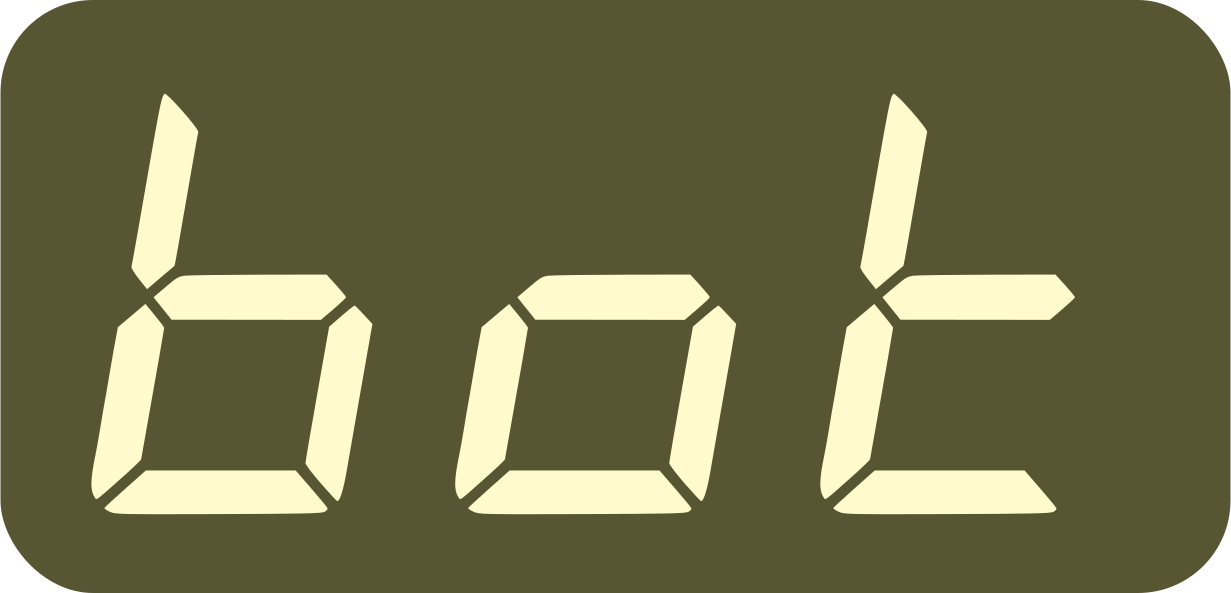 machines connected to both MIDI Output 1 and 2
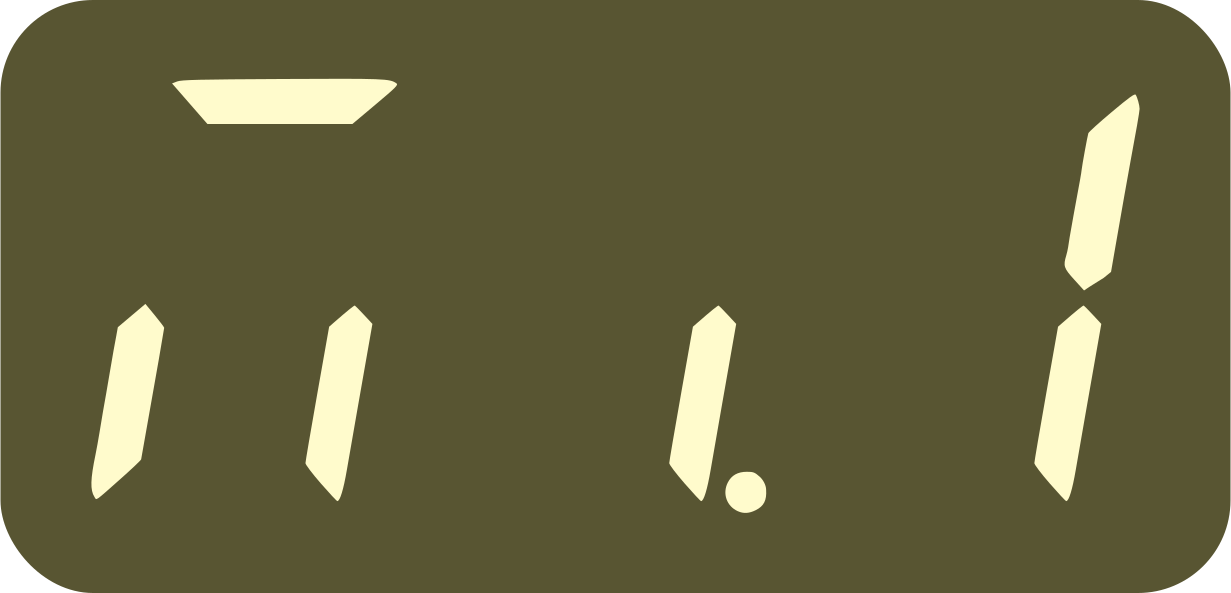 machines connected to MIDI Output 1 only
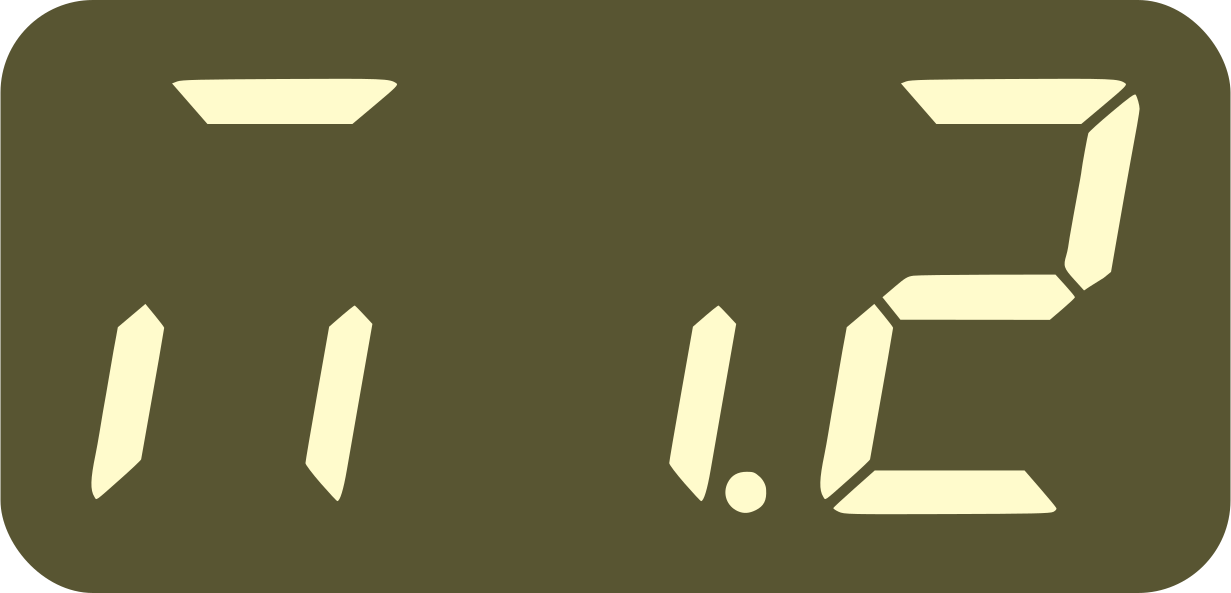 machines connected to MIDI Output 2 only
As with everything else, the Analog Outputs 1 (left part of the ANLG plug) and 2 (right part) follow the respective MIDI outputs, so they will also be affected by this setting.
Note that:
when syncing multiple Nomes together, this setting also affects the follower Nomes react to pressing play on the master Nome.
when the count-off setting
→ 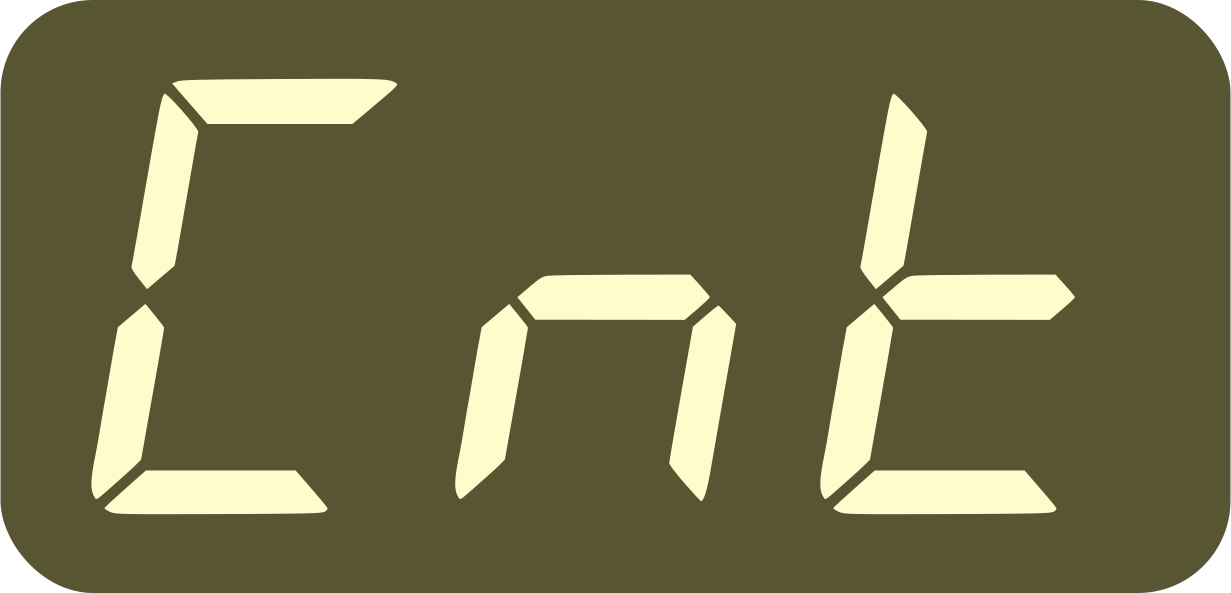 is set to
 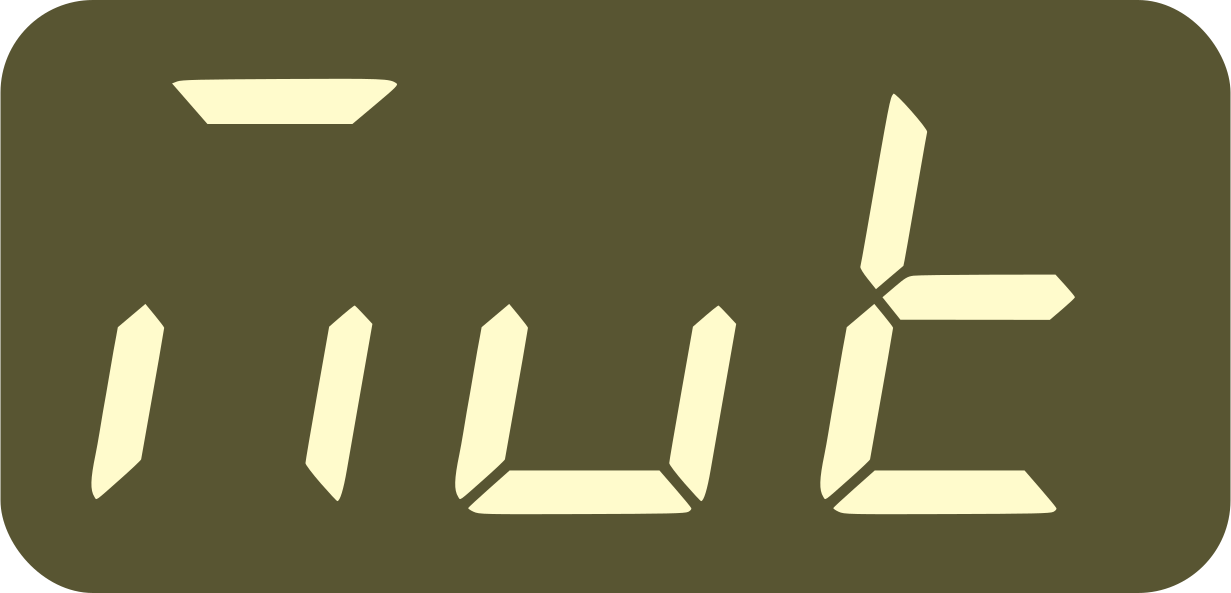 (start count-off when
Muted), the autoplay setting determines which MIDI/ANLG output
starts after the count-off.
(start count-off when
Muted), the autoplay setting determines which MIDI/ANLG output
starts after the count-off.